
Is Televizo available on iOS?
Televizo’s official website describes its player for Android phones, tablets and TVs. If you need an alternative for an Apple device, Astra can play your own compatible source. Always check the developer’s website for current Televizo availability.
Your playlist, on Apple too
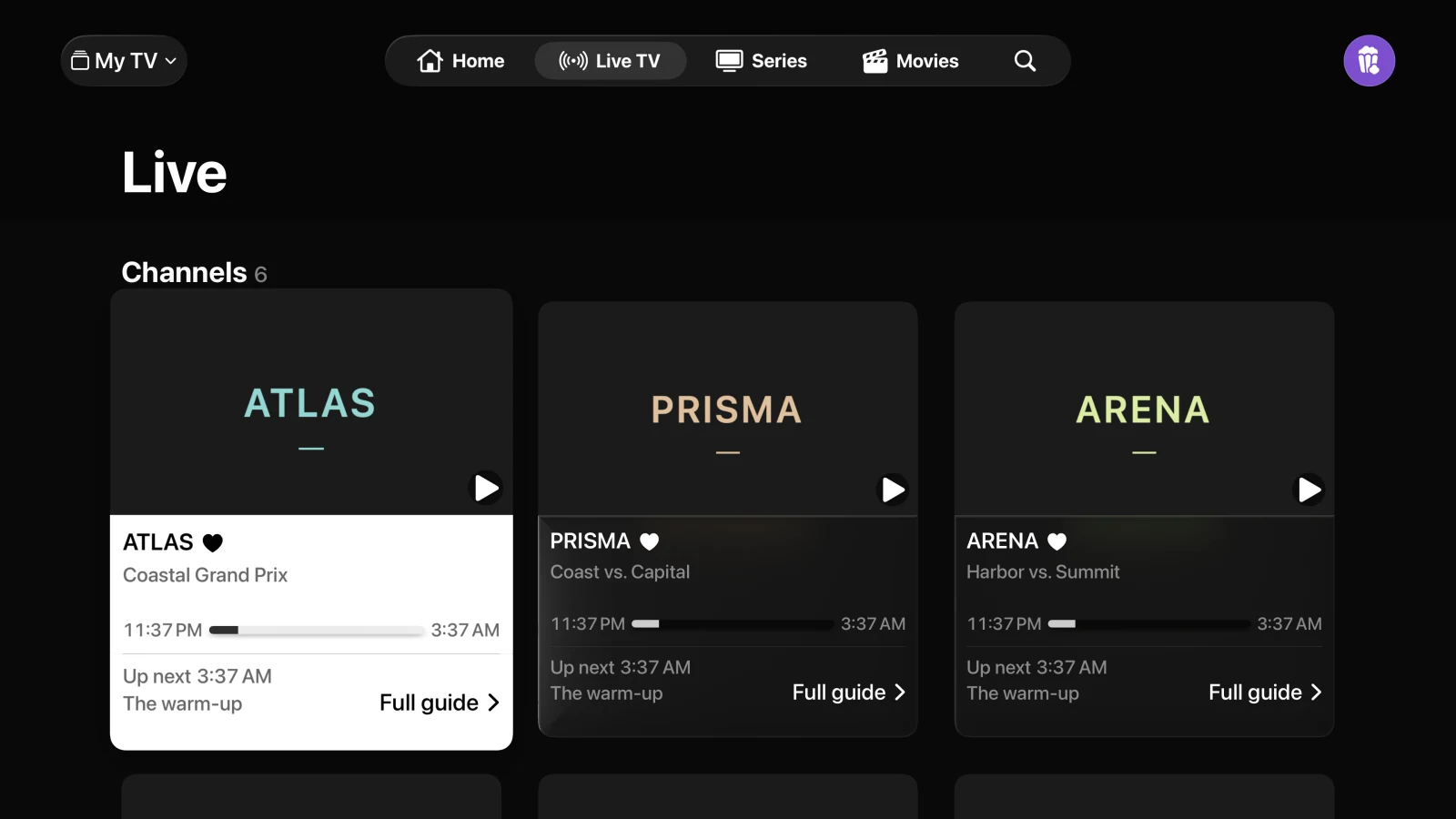
Connect an Xtream server, add an M3U/M3U8 URL or import a file from Files. Astra organises the channels, films and series available in your source. Save favourites and see what is on with your provider’s TV guide or XMLTV.
Connect the source you already use
You need the original connection details from your provider or your own playlist. There is no automatic transfer from Televizo.
- Check that you have your source’s M3U URL or Xtream server, username and password, and permission to use it on another device.
- Download Astra from the App Store and add that source inside the app. Do not enter credentials on this website.
- Open your channels and save your favourites. If the TV guide is missing, check your source settings using Astra’s connection guide.
Do favourites or purchases transfer?
Astra does not import Televizo favourites, viewing history, backups or purchases. Your provider may limit simultaneous connections or allowed devices. Adding a playlist again does not increase those limits.
Before you download
Astra is a free player with no advertising of its own. It includes no channels, playlists or subscriptions. iPhone and iPad require iOS or iPadOS 26 or later. Playback, formats and the TV guide depend on your source. Images show the real Astra interface with fictional demo content.